
CozyWorld guide
Old Computer Games: 16 Classics to Play Now
The free games that filled old PCs, from solitaire and mine-finding to hearts and reversi: ten free browser versions on CozyWorld, then six official ways to replay old computer games today.
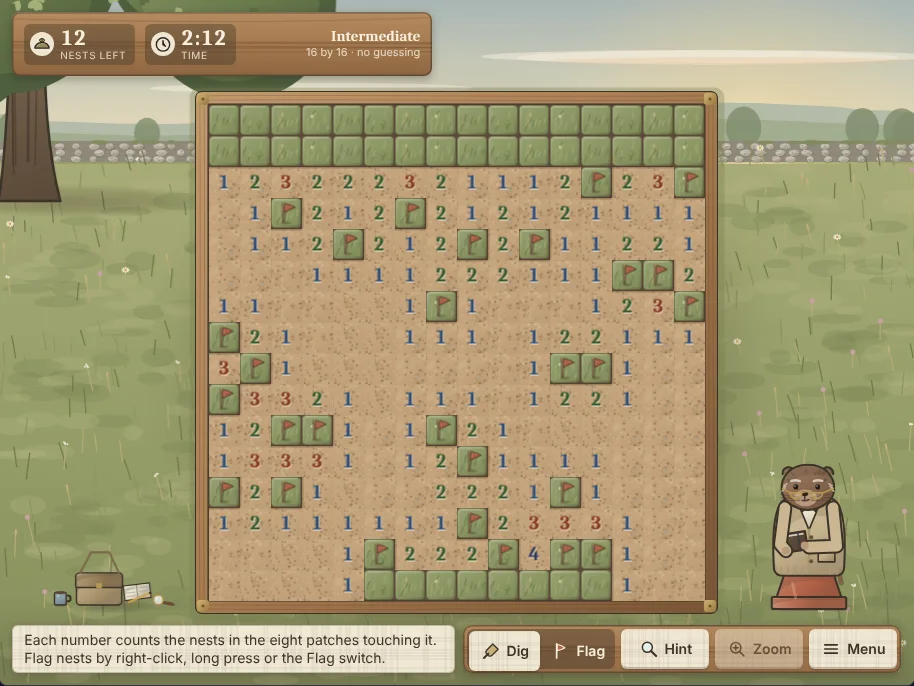
Linden Meadow Minesweeper gameplay screenshot: an Intermediate 16 by 16 no-guessing board in a hay meadow, partly dug out with numbers and flags on the patches, 12 nests left and a 2:12 clock on the sign at the top, and the Dig, Flag, Hint, Zoom and Menu buttons along the bottom.
The old computer games most people remember are the ones that were simply already there: solitaire, mine-finding, hearts, reversi. Ten of those classics are free in your browser on CozyWorld: Linden Meadow Minesweeper for the mine-finding classic, Porch Swing Solitaire for Klondike, Snowberry Cabin Solitaire for FreeCell, Dewdrop Garden Solitaire for Spider, Puffin Bluff Solitaire for Pyramid, Kettle Burrow Hearts, Larch Hollow Spades, Starling Hill Reversi, Kingfisher Canal Checkers and Lemon Terrace Backgammon. To replay bigger old PC games legally, the Microsoft Solitaire Collection, Microsoft Minesweeper, Chip's Challenge 1, Age of Empires II: Definitive Edition, GOG.com and the Internet Archive are the places to look.
None of the CozyWorld games is a copy of any program that shipped with Windows. Each one plays the classic game it is named for, with its own art, its own companions and its own rules options, and each page here is described from the game's own CozyWorld copy.
Linden Meadow Minesweeper is the pick to start with. Dig the clear patches and flag the bumblebee nests at Beginner, Intermediate, Expert or a custom size, on boards that a solver has cleared without a single guess by default, with a hint that explains why a patch is safe.
The outside games below are described from their official store pages and from the publications quoted in the history section, not from our own play, so check each page for the details that matter to you. This page links only official storefronts and publishers, never download sites that host old games without the owners' permission.
Old computer games compared
Where each game plays, what it costs and which old-computer classic it plays, as of November 1, 2026.
| Game | Where to play | Price | The classic it plays |
|---|---|---|---|
| Linden Meadow Minesweeper | Browser (phone, tablet, computer) | Free | Mine-finding with numbers and flags |
| Porch Swing Solitaire | Browser (phone, tablet, computer) | Free | Klondike, Draw 1 or Draw 3 |
| Snowberry Cabin Solitaire | Browser (phone, tablet, computer) | Free | FreeCell with numbered deals |
| Dewdrop Garden Solitaire | Browser (phone, tablet, computer) | Free | Spider with one, two or four suits |
| Puffin Bluff Solitaire | Browser (phone, tablet, computer) | Free | Pyramid, pairing cards to 13 |
| Kettle Burrow Hearts | Browser (phone, tablet, computer) | Free | Four-player hearts against the computer |
| Larch Hollow Spades | Browser (phone, tablet, computer) | Free | Partnership spades with nil bids |
| Starling Hill Reversi | Browser (phone, tablet, computer) | Free | Disc-flipping reversi |
| Kingfisher Canal Checkers | Browser (phone, tablet, computer) | Free | American checkers with compulsory jumps |
| Lemon Terrace Backgammon | Browser (phone, tablet, computer) | Free | Backgammon with a doubling cube |
| Microsoft Solitaire Collection | Windows, iPhone, iPad | Free with in-app purchases (App Store) | Klondike, Spider, FreeCell, TriPeaks and Pyramid |
| Microsoft Minesweeper | PC (Microsoft Store) | Free with in-app purchases | Classic mode plus modern extras |
| Chip's Challenge 1 | PC (Steam) | Free | A 144-puzzle top-down classic |
| Age of Empires II: Definitive Edition | PC, Mac (Steam) | One-time purchase | A remaster of a strategy classic |
| GOG.com | PC store | Per-game purchase | Old PC games patched to run on modern systems |
| Internet Archive Software Library | Browser | Free to browse | Old MS-DOS software in a browser tab |
Platforms and price models for the outside picks come from their official Microsoft Store, App Store, Steam, GOG and Internet Archive pages, checked November 1, 2026, and can change. PC means Windows. Availability of individual Internet Archive titles varies.
Featured CozyWorld Games
Start with these free browser games if you want a cozy session without a download or an account. Each card says what kind of play it is, so you can pick the one that fits your mood.
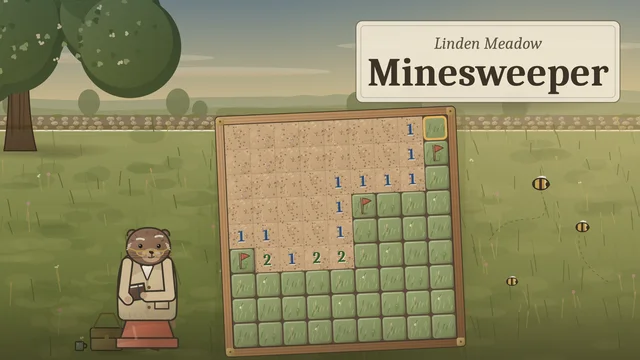
The mine-finding classic, with no guessing
Linden Meadow Minesweeper
Beginner (9 by 9, 10 nests), Intermediate (16 by 16, 40), Expert (30 by 16, 99) or a custom size, with a first dig that is always clear. Chording, three ways to flag, a hint that says why, best times, and today's meadow for everyone.
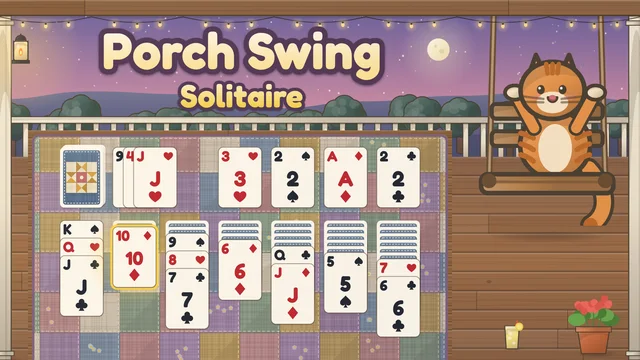
Klondike on a quilt-covered porch
Porch Swing Solitaire
Build seven columns down in alternating colors and send all 52 cards home, with Draw 1 or Draw 3. Deals are winnable by default, with plain shuffles one setting away, plus hints and a daily deal.
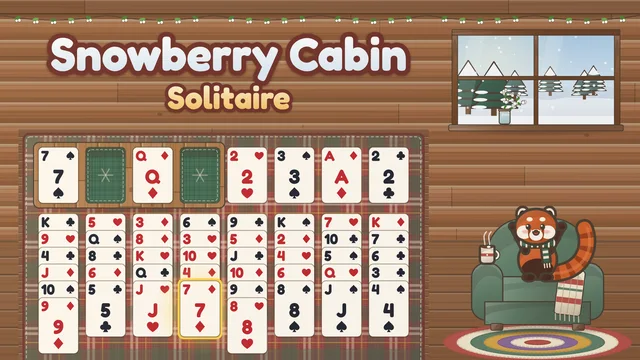
FreeCell by deal number
Snowberry Cabin Solitaire
Every card is dealt face up, and four free cells help you sort eight columns home. Choose any deal from 1 to 32,000 by its number, ask for solver hints and undo as often as you like.
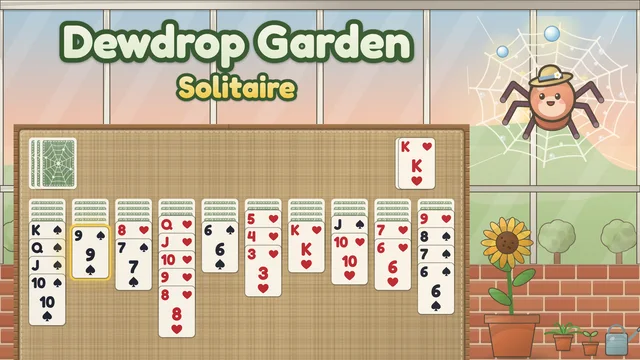
Spider, from gentle to traditional
Dewdrop Garden Solitaire
Build runs from King down to Ace across ten columns and deal ten more cards when you need them. Play with one suit (the default), two or four, with unlimited undo and hints that never peek at face-down cards.
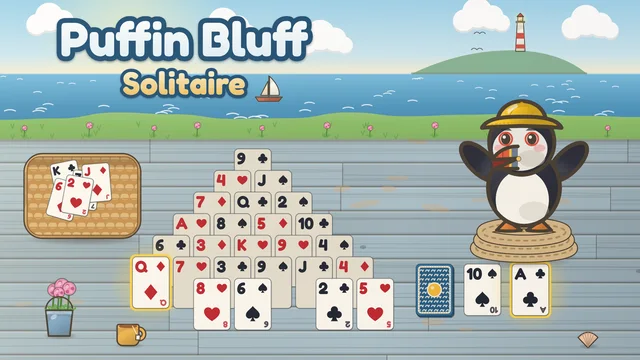
Pyramid, a quick pairing puzzle
Puffin Bluff Solitaire
Pair free cards that add up to 13, send Kings off on their own and clear all 28 cards of the pyramid. Choose one, three or unlimited passes through the stock, with winnable deals and a daily deal.
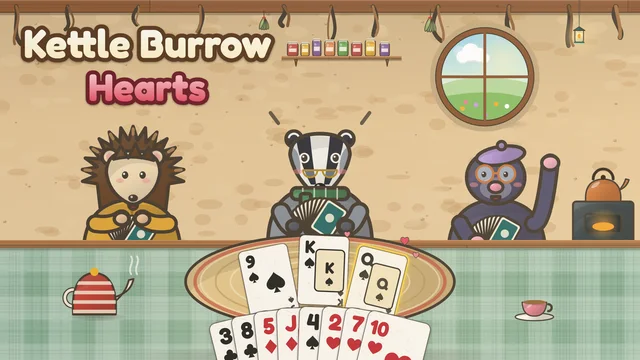
Hearts with three computer companions
Kettle Burrow Hearts
Pass three cards, follow suit and dodge the hearts and the queen of spades with Hazel, Bertie and Mabel at three levels. Options include how shooting the moon scores and a shorter game to 50, with hints and an undo for your last card.
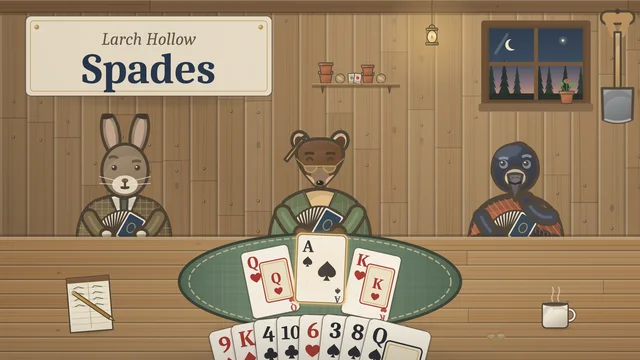
Partnership spades against the computer
Larch Hollow Spades
Bid your tricks with Constance the pine marten as your partner, make the contract and keep an eye on the bags. Nil bids, a ten-bag penalty, three levels for the table and a full score sheet are all included.
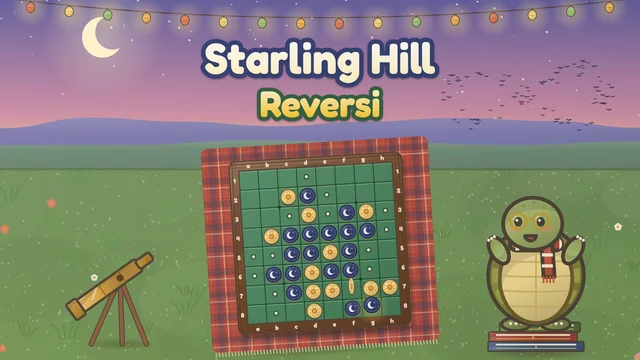
Easy to learn, hard to master
Starling Hill Reversi
Trap lines of discs to turn them to your side and take the corners against Tobias the tortoise at three levels. A dot marks every legal move, there is a quick 6 by 6 board, and undo takes back your move and his reply together.
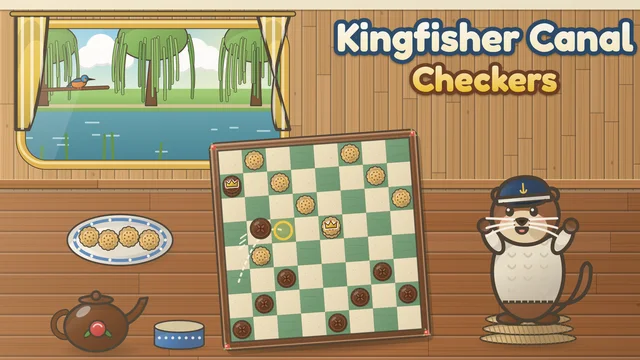
Classic American checkers
Kingfisher Canal Checkers
Move diagonally, jump to capture, chain multi-jumps and crown kings against Otis the otter at three levels. Jumping is compulsory by default, and hints explain the move in a few words.
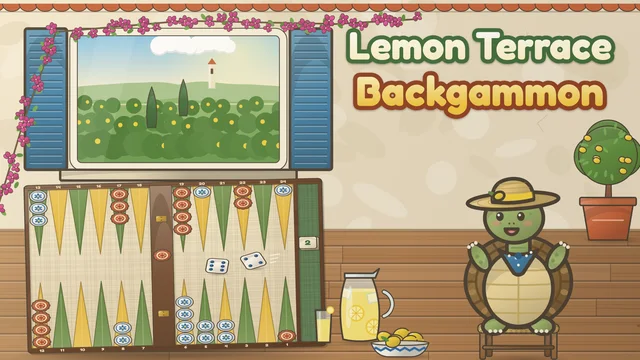
Backgammon, one game or a match
Lemon Terrace Backgammon
Race your 15 checkers home, hit blots and bear off against Remo the tortoise at three levels. Play one game or a match to 3, 5 or 7 points, with a doubling cube for matches and pip counts on the score sign.
Which games came with which Windows
Most of what people mean by old computer games started life as small bundled programs. The history is patchy, so here is what reputable sources say, and only that.
Solitaire came first. In its 30th anniversary post, Xbox Wire wrote: "The Solitaire we all know and love was first called Windows Solitaire on Windows 3.0 in 1990." Mine-finding arrived next. PCWorld's look back at Windows 3.1 says: "Solitaire first appeared in Windows 3.0, but Microsoft introduced the puzzle classic Minesweeper in 3.1," and adds that it replaced Reversi from 3.0.
Later the lineup grew. PCWorld recalls how you could install "Windows 98 or Windows 7 on a PC and enjoy built-in goodies like Solitaire, Minesweeper, FreeCell, Hearts, and 3D Pinball: Space Cadet." Card and board games also had an online life: BleepingComputer's list of Microsoft's Internet Games service names Internet Backgammon, Internet Checkers and Internet Spades for Windows XP, Me and 7, and Internet Hearts and Internet Reversi for XP and Me.
Then the bundle shrank. PCWorld says that with Windows 8, "Instead of bundling these games with Windows as they'd done before, Microsoft shifted them over to the Microsoft Store," and notes that Windows 11 "also only comes with the Microsoft Solitaire Collection." That collection, per its Xbox Wire announcement, covers Klondike, Spider, FreeCell, TriPeaks and Pyramid.
Sources we checked did not give a clear first-shipped version for every game, such as Spider and Pyramid, so this page does not claim one.
How to replay old PC games legally
Search for an old game and the first results are often sites that offer a download with no sign of the owner's permission. This page links none of them. The safe options are official: the publisher's own re-release, a store that works with rights holders, or a library that makes its own terms clear.
GOG.com is the best-known example. Its own about page describes it as "a digital distribution platform" with a curated selection of games, and promises that "Even if the game is older than you are, we test it thoroughly, fix all the bugs, and apply patches so it runs flawlessly on your next-gen PC and on modern OSs." The Internet Archive hosts a software library that plays old MS-DOS programs in a browser tab; when it launched, TechCrunch described an archive of 2,296 MS-DOS games, "all playable (some more so than others) in your browser." Availability and rights vary by title, so read each item's page.
For card and board classics there is a simpler answer. The rules of solitaire, hearts, spades, reversi, checkers and backgammon are shared by everyone, so the CozyWorld versions on this page play the same games without needing any old software, installer or emulator.
Quick Picks
The easiest way to choose is to start with the kind of cozy session you want right now: a quick browser game, a longer download, something story-led, or a deeper puzzle or strategy loop. These are the standouts from this guide.
- The mine-finding classic, with no guessing: Linden Meadow Minesweeper
- Klondike on a quilt-covered porch: Porch Swing Solitaire
- FreeCell by deal number: Snowberry Cabin Solitaire
- Spider, from gentle to traditional: Dewdrop Garden Solitaire
- Pyramid, a quick pairing puzzle: Puffin Bluff Solitaire
- The official home of the Windows solitaire games: Microsoft Solitaire Collection
- Minesweeper with a classic mode and extras: Microsoft Minesweeper
- A top-down puzzle classic: Chip's Challenge 1
- A remastered PC strategy classic: Age of Empires II: Definitive Edition
- Old PC games that run on a modern system: GOG.com
Choosing between these games
This page covers the card, board and puzzle classics that filled old computers, which is why every CozyWorld pick here is a solitaire, card, board or mine-finding game. Score-chasing arcade-style games are covered in the classic arcade games roundup instead.
The outside picks are official ways to replay old games, checked on November 1, 2026. A few well-known titles were left out because we could not find an official, current store page for them, and the Windows history above includes only claims that a quoted source states.
CozyWorld publishes the featured browser games. The external recommendations are editorial comparisons based on the linked official descriptions, not claims of firsthand playtesting. Check those pages for current price, platform and availability.
Legal Ways to Replay Old Computer Games
Pick 1
Microsoft Solitaire Collection
Best for: The official home of the Windows solitaire games
What it is: Microsoft Solitaire Collection, from Microsoft Corporation, lists "Klondike Solitaire, Spider Solitaire, FreeCell Solitaire, TriPeaks Solitaire & Pyramid Solitaire" on its App Store page, alongside other match-3, arcade and puzzle games. It is free to download with in-app purchases on iPhone and iPad, and the Microsoft Store lists a free download for Windows.
Why it works here: Choose this when you want the official version with Microsoft's modes and extras. Put it next to Porch Swing Solitaire or Snowberry Cabin Solitaire if you like comparing how the same classic plays in different hands.
Official pagePick 2
Microsoft Minesweeper
Best for: Minesweeper with a classic mode and extras
What it is: Microsoft Minesweeper, from Xbox Game Studios, is free with in-app purchases on PC. Its store page describes Classic Mode as a remake of the original with flags, tools, XP and levels, themes and achievements, and adds an Adventure Mode and daily challenges. Missed daily challenges require a Premium Subscription.
Why it works here: Choose this when you want to see where the mine-finding classic went next. Linden Meadow Minesweeper is the quieter alternative, with no store or subscription behind it.
Official pagePick 3
Chip's Challenge 1
Best for: A top-down puzzle classic
What it is: Chip's Challenge 1, by Niffler Ltd., sets 144 puzzles in which Chip must get past monsters, traps and the clock to join the Bit Busters computer club. Its Steam page lists it as free to play, with system requirements for Windows, and credits the Chip's Challenge name as used under license from Epyx Games.
Why it works here: Choose this when you remember puzzle games of the early PC years and want one that is not a card or board classic. It is an official release, and it costs nothing to try.
Official pagePick 4
Age of Empires II: Definitive Edition
Best for: A remastered PC strategy classic
What it is: Age of Empires II: Definitive Edition, published by Xbox Game Studios, "celebrates the 25th anniversary of one of the most popular strategy games ever, now with stunning 4K Ultra HD graphics," according to its Steam page. It includes the original campaigns and best-selling expansions, and is a one-time purchase for Windows and macOS.
Why it works here: Choose this when you want an old PC favorite in a form that runs on a current computer without hunting for installers. It is long and busy, a far cry from a hand of solitaire.
Official pagePick 5
GOG.com
Best for: Old PC games that run on a modern system
What it is: GOG.com is a digital distribution platform with a curated selection of games, from new releases to what its about page calls "the best of classic gaming." It says it tests older games, fixes bugs and applies patches so they run on current PCs, and that single-player games can be played offline. Games are bought one at a time.
Why it works here: Choose this when you remember a specific old PC game that is not a card or board classic. Check each game's page for what it includes and which systems it supports.
Official pagePick 6
Internet Archive Software Library
Best for: Old MS-DOS programs in a browser
What it is: The Internet Archive's MS-DOS software collection lets you run old DOS programs in a browser. TechCrunch described the launch collection as running on EM-DOSBOX, an independent project that focuses solely on DOS. It is free to browse, and what is available changes over time.
Why it works here: Choose this when you want to see how a DOS program looked and played, without installing anything. Treat it as a library, read each title's page and play only what is offered there.
Official pageWhich One Should You Play First?
Start with Linden Meadow Minesweeper if mine-finding is your thing, Porch Swing Solitaire, Snowberry Cabin Solitaire, Dewdrop Garden Solitaire or Puffin Bluff Solitaire if you want a particular kind of solitaire, Kettle Burrow Hearts or Larch Hollow Spades for a card table with three companions, and Starling Hill Reversi, Kingfisher Canal Checkers or Lemon Terrace Backgammon for a board game against the computer.
To go beyond the classics, Microsoft Solitaire Collection and Microsoft Minesweeper are the official modern versions, Chip's Challenge 1 is the free puzzle pick, Age of Empires II: Definitive Edition is the remaster, and GOG.com and the Internet Archive Software Library are the places to look for more.
Related guides and roundups
FAQ
Show questions
What games came with old computers?
On Windows, Solitaire arrived with Windows 3.0 in 1990 and Minesweeper with Windows 3.1, replacing Reversi. PCWorld lists FreeCell and Hearts among the built-in games of the Windows 98 and Windows 7 years, and Microsoft also offered online Internet Games versions of backgammon, checkers, spades, hearts and reversi on Windows XP and Me. On CozyWorld you can play free versions of each of those classics in a browser.
Can I still play the old Windows games?
Yes. Microsoft Solitaire Collection and Microsoft Minesweeper are the official modern versions, and PCWorld notes Windows 11 only comes with the Microsoft Solitaire Collection. For free versions with no download, CozyWorld has Linden Meadow Minesweeper, Porch Swing Solitaire, Snowberry Cabin Solitaire, Dewdrop Garden Solitaire and Puffin Bluff Solitaire.
Where can I play old computer games legally?
Use official sources: the publisher's own re-release, such as Age of Empires II: Definitive Edition, a store like GOG.com that patches old games for modern systems, or the Internet Archive Software Library, where availability varies by title. Avoid download sites that host old games without the owner's permission.
Are the CozyWorld games the same as the Windows versions?
No. Each one plays the classic game it is named for, with its own art, options and computer opponents. Snowberry Cabin Solitaire uses deal numbers from 1 to 32,000, Porch Swing Solitaire offers Draw 1 or Draw 3, and Linden Meadow Minesweeper builds boards that can be cleared without guessing by default.
Can I play hearts, spades, reversi, checkers or backgammon against another person?
On CozyWorld, Kettle Burrow Hearts, Larch Hollow Spades, Starling Hill Reversi, Kingfisher Canal Checkers and Lemon Terrace Backgammon are played against computer opponents, at three levels. Check each game page for its options.
See Also
Solitaire, trick-taking and card games for two, all free in your browser with friendly animal opponents. Then pick a cozy card game for a longer stay.
Best Logic Games for Adults: 17 Puzzles to SolveLogic games where every answer can be reasoned out: nine free browser puzzles from CozyWorld, from nonograms to Minesweeper with no-guess boards, then eight more logic puzzle games from daily web puzzles to The Witness.
Free Online Games for Adults: No DownloadGrown-up games that open in a browser tab: classic cards and board games, sudoku, a village whodunit and a village to share, plus the best free game sites run by newspapers and nonprofits.
How to Play Cribbage: Rules, Scoring and StrategyCribbage is the classic two-player card game played with a pegging board. Here is how to deal, what to lay away to the crib, how the play to 31 scores, how to count a hand line by line, how the board and the game to 121 work, how strong each level of our computer opponent is, and the strategy, common mistakes and tips that win more games.