
CozyWorld guide
Easy Free Online Games for Older Adults
Solitaire, mahjong, word search, sudoku, jigsaw and nonograms that open in a browser, with no countdown, no accounts and no purchases. Here is how the six compare on round length, timers and help.
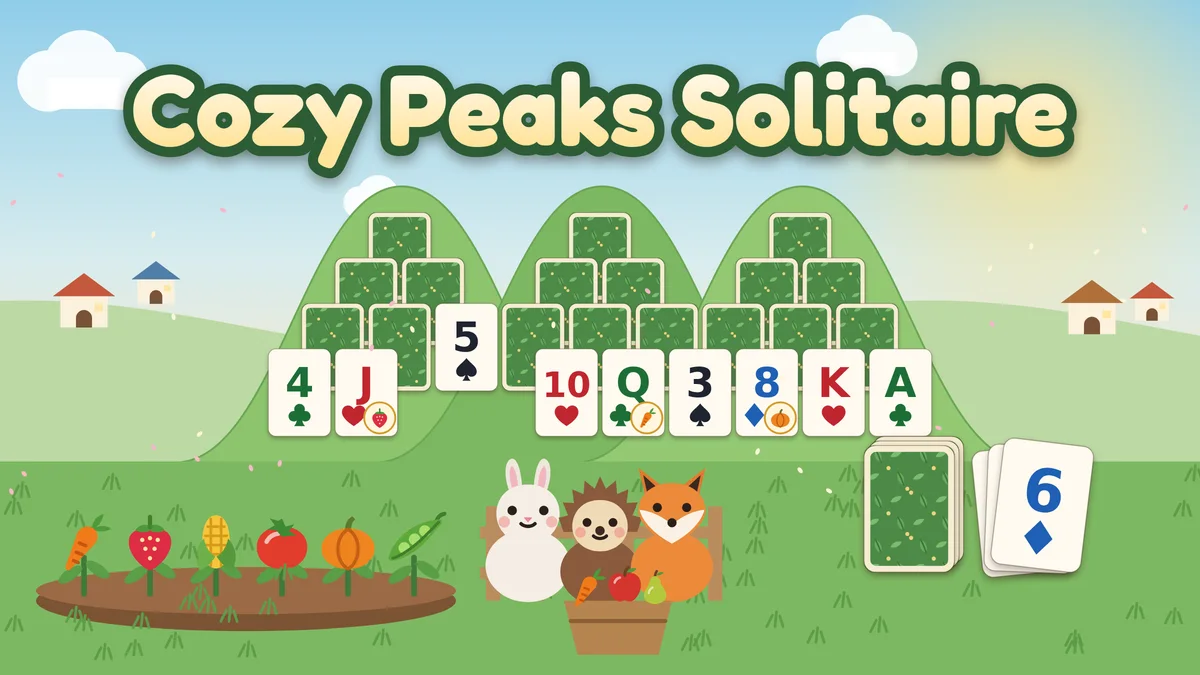
The easiest free online games for older adults on CozyWorld are Cozy Peaks Solitaire, Teahouse Mahjong, Cottage Word Search, Sprout Sudoku, Rainy Day Jigsaw and Little Stitches. They are classic puzzles with rules you may already know, they run in a browser, and none of them has a countdown, an account or a purchase.
Easy here means three practical things: familiar rules, help you can ask for when you are stuck, and no clock to beat. Where a game has a clock, the page says it only records your time. Sudoku and nonograms take more thought than the rest, so the comparison table below says which is which.
Featured CozyWorld Games
Start with these free browser games if you want a cozy session without a download or an account. Each card says what kind of play it is, so you can pick the one that fits your mood.
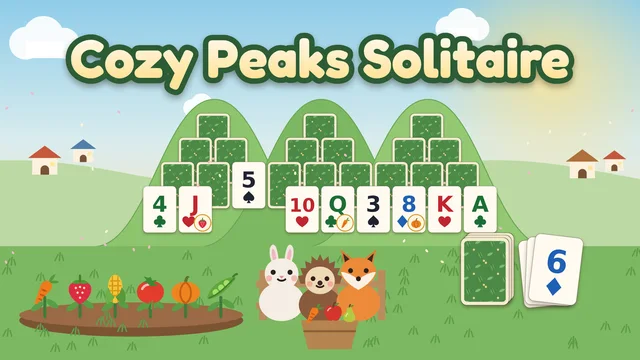
Card game with big cards
Cozy Peaks Solitaire
Standard TriPeaks solitaire on a hillside garden, with big, high-contrast cards. Nothing is timed, and losing a hand never takes away crops or coins.
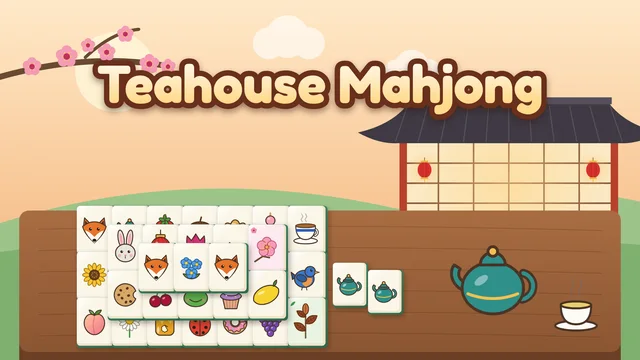
Mahjong solitaire, no countdown
Teahouse Mahjong
Match pairs of free tiles to clear 36 stacked boards in four tea rooms. Hint, Shuffle and Undo are free, and the timer only records best times.
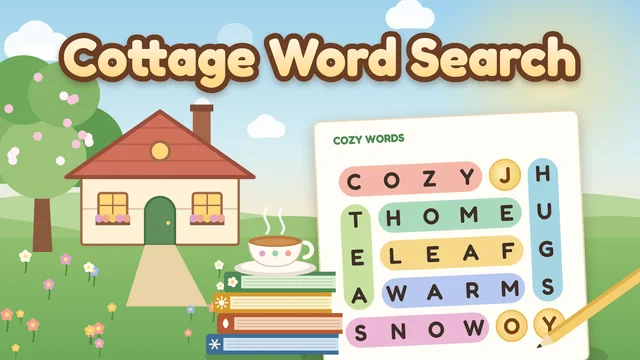
Themed word searches
Cottage Word Search
Forty-eight themed word searches in four seasonal books. Find every word and the leftover letters spell a hidden saying, with no penalty for a wrong line.
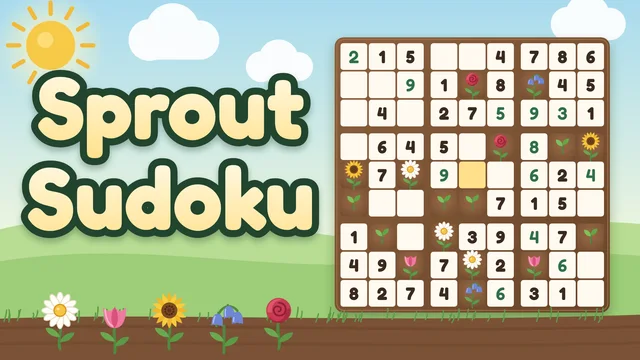
Sudoku with explained hints
Sprout Sudoku
Classic 9x9 sudoku, 600 puzzles from Gentle to Expert, with hints that explain the next step in plain words and no lives or mistake limits.
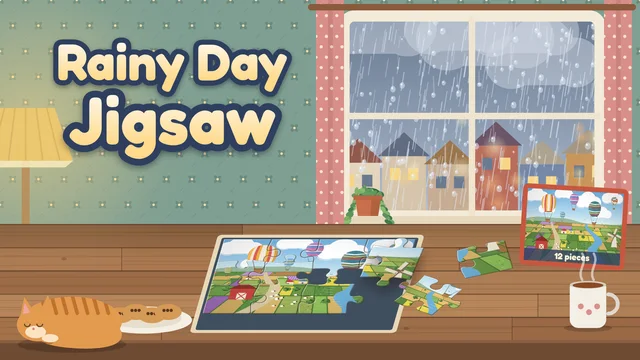
Jigsaw at your own pace
Rainy Day Jigsaw
Twelve illustrated pictures in 12, 24, 48 or 96 pieces, with an Edges filter, Peek and hints. There is no countdown, and every puzzle you start is saved.
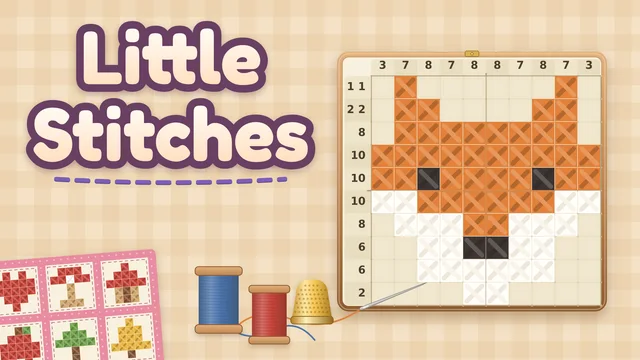
Picture logic puzzles
Little Stitches
A nonogram in a cross-stitch hoop with 72 hand-drawn patterns. Hints are unlimited and explain each step, and no pattern needs a guess.
What makes these easy to pick up
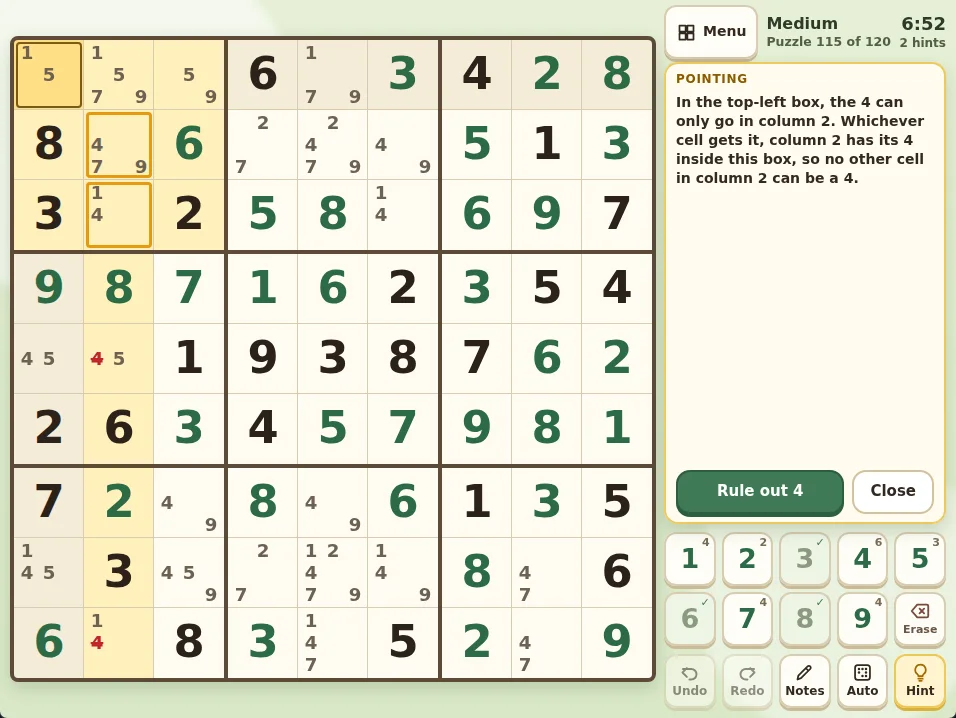
Across the six pages, three things repeat. First, there is no countdown: Cozy Peaks Solitaire says nothing is timed, and in the other five the clock only records your time. Second, help is built in. Teahouse Mahjong has free Hint, Shuffle and Undo. Sprout Sudoku’s Hint explains the next step in a sentence, and Little Stitches hints are unlimited. Cottage Word Search’s Hint circles the first letter of the next word you have not found, and Rainy Day Jigsaw offers Peek, a ghost picture, outlines and a hint for one piece. Cozy Peaks Solitaire gives every hand three free undos.
Third, several pages describe large, readable pieces. Cozy Peaks Solitaire has big, high-contrast cards, and Teahouse Mahjong sizes every board to keep tiles large on phones. Sprout Sudoku uses large digits on a high-contrast grid with thick box lines, and Cottage Word Search uses large capital letters in a rounded font.
"Easy" is not the same for every game. Cozy Peaks Solitaire, Teahouse Mahjong, Cottage Word Search and Rainy Day Jigsaw are listed as Easy. Sprout Sudoku and Little Stitches are listed as Medium, but both start gently: Sprout Sudoku has a Gentle level where puzzles fall to cells with only one digit left, and Little Stitches opens with a quilt of small 5x5 patterns that teaches the rules.
Playing on a computer, tablet or phone
All six pages list keyboard, mouse and touch controls and support for desktop, tablet and mobile screens. Each game also has a toolbar with pause, help, optional sound and fullscreen. How you play differs a little by game. In Cozy Peaks Solitaire you tap a card, and in Teahouse Mahjong you tap a free tile and then its match. In Cottage Word Search you drag across a word or tap its first and last letters, and in Sprout Sudoku you tap a cell and then a digit key.
Rainy Day Jigsaw lets you drag a piece to the board or tap a piece and then tap its spot, so no precise drag is needed. Its page also says that on small screens the game turns off piece counts whose pieces would be smaller than 40 pixels: most phones offer 12, 24 or 48 pieces, and tablets and computers offer all four sizes. Little Stitches has a Stitch and Cross switch under the hoop for touch, while with a mouse a left click stitches and a right click crosses.
If you prefer a keyboard, each of these pages describes keyboard controls, and the arrow keys move or choose in every game.
What gets saved, and where
Each page describes saving on the device you play on. Teahouse Mahjong saves your path through the tea rooms, best times, settings and the board in play move by move, so a reload picks up where you were. Cottage Word Search saves each puzzle you started (words found, hints and time so far). Sprout Sudoku saves the puzzle in progress at each difficulty along with your garden, and Rainy Day Jigsaw saves every puzzle you start, with the pieces placed, so you can keep several going at once.
Little Stitches saves after every stroke, undo, hint and finish, and when you pause or switch tabs. If the browser blocks saving, the page says you can still play but progress lasts only until you leave the page. Cozy Peaks Solitaire saves your garden, crops and coins on the device; its page does not say whether a hand in progress is kept, so finish a hand if you want to be sure of your place.
These games have no accounts, so progress is not shared between devices: a tablet and a computer each keep their own.
What to expect before you play
The content notes on all six pages say there are no purchases or accounts. Cozy Peaks Solitaire has coins, but they are earned in the garden and spent on helpers, and its page says there is nothing to buy with real money. Sound is described as optional on every page.
If you want a pairs game, Toasty Tile Flip is a memory-matching game: you turn two breakfast cards at a time across 20 short trays. Seventeen of its twenty trays have no clock. Three rush trays do, and that clock starts with your first card. It also has toast hearts: turning a card you have already seen and getting it wrong costs a heart, and running out loses the tray. A tray in progress is not saved, though stars and best scores are kept in the browser on that device. It asks more of you than the six classics above.
Quick Picks
Start with the one that matches what you need right now. Each pick is free in your browser.
- Card game with big cards: Cozy Peaks Solitaire
- Mahjong solitaire, no countdown: Teahouse Mahjong
- Themed word searches: Cottage Word Search
- Sudoku with explained hints: Sprout Sudoku
- Jigsaw at your own pace: Rainy Day Jigsaw
Choosing between these games
These six were chosen for classic rules, free in-game help and the absence of a countdown, lives or accounts, using only what each game’s page states. They are not ranked: the right pick depends on which you enjoy most: cards, tiles, words, numbers, pictures or stitching.
Look elsewhere if you want to play with other people: none of the six pages describe shared boards, chat or multiplayer. Look elsewhere too if you want progress to follow you between devices, since saves stay on the device you play on. If you want fast action or a story, these are the wrong kind of game.
The pages list keyboard, mouse and touch controls, but this article cannot say whether any game suits a particular eyesight, hand or memory need. Try a game on your own screen before settling on it.
The six games side by side
Each row comes from the game’s own page. Round lengths are the pages’ estimates, not measured times.
| Game | What you do | One round | Timer | Help when stuck |
|---|---|---|---|---|
| Cozy Peaks Solitaire | Tap cards one rank above or below the waste card to clear three peaks (TriPeaks) | About 5 minutes a hand | None: nothing is timed | Three free undos every hand; Wild card and extra cards cost in-game coins |
| Teahouse Mahjong | Match pairs of free tiles to clear a stacked board | 3 to 10 minutes a board | No countdown; the timer only records best times | Free Hint, Shuffle and Undo |
| Cottage Word Search | Find the listed words in a letter grid; the leftover letters spell a saying | 3 to 12 minutes a puzzle | The clock only records your time; no penalties | Hint circles the first letter of the next unfound word |
| Sprout Sudoku | Fill a 9x9 grid so every row, column and box holds 1 to 9 | 5 to 30 minutes a puzzle | The timer only records how long a puzzle took; no lives or mistake limits | Hint explains the next step in plain words; notes, undo and redo |
| Rainy Day Jigsaw | Drag or tap pieces onto the board to finish a picture (12 to 96 pieces) | 3 to 30 minutes a puzzle | No countdown; the clock only keeps best times | Peek, ghost picture, outlines, hint, Edges filter |
| Little Stitches | Stitch squares from the row and column counts until a picture appears (nonogram) | 1 to 15 minutes a pattern | The clock only keeps best times; no lives or mistake limits | Unlimited hints that explain each step; free undo and redo |
Sprout Sudoku and Little Stitches are listed as Medium; the other four are listed as Easy.
CozyWorld publishes every game in this article. Session lengths, controls and features come from each game's rules and our automated browser checks, not from testing on every device.
Which One Should You Play First?
For a familiar card game with nothing timed, start with Cozy Peaks Solitaire. Choose Teahouse Mahjong if you like matching tiles, and Cottage Word Search if you like finding words. Rainy Day Jigsaw suits a picture you can build at your own pace, and its page suggests starting with 12 or 24 pieces to learn a picture.
Pick Sprout Sudoku or Little Stitches when you want something that asks for more logic. Both explain their hints, and both start with an easy level: Gentle puzzles in Sprout Sudoku, or the First Stitches quilt in Little Stitches.
FAQ
Show questions
What are the easiest free online games for older adults?
On CozyWorld, Cozy Peaks Solitaire, Teahouse Mahjong, Cottage Word Search and Rainy Day Jigsaw are listed as Easy. Sprout Sudoku and Little Stitches are listed as Medium, but Sprout Sudoku has a Gentle level and Little Stitches begins with small 5x5 patterns, and both give hints that explain the next step.
Can I play these games without downloading anything?
They are browser games. Rainy Day Jigsaw’s page spells it out: all twelve pictures and all four sizes are free to play in your browser, with no account, download or purchases. The pages for the other five list no accounts or purchases either.
Do these games have timers?
None has a countdown. Cozy Peaks Solitaire says nothing is timed. In Teahouse Mahjong, Cottage Word Search, Sprout Sudoku, Rainy Day Jigsaw and Little Stitches, the clock only records your time or best times.
Will my game be saved if I close the page?
Teahouse Mahjong, Cottage Word Search, Sprout Sudoku, Rainy Day Jigsaw and Little Stitches each save puzzles in progress on your device. Cozy Peaks Solitaire saves your garden, crops and coins on the device. Progress is not shared between devices, because there are no accounts.
Is there a free online memory game on CozyWorld?
Toasty Tile Flip is a pairs game with 20 trays. Seventeen have no clock and three rush trays do, and a wrong guess at a card you have already seen costs a heart.
See Also
Match mahjong tiles, solve sudoku, stitch a nonogram, find hidden words, fit a jigsaw, rake leaf piles, sort shells or crack firefly codes. Choose a puzzle by the decisions it asks you to make.
Cozy Peaks Solitaire Guide: TriPeaks Streak TipsTriPeaks is a game of streaks. Here are the rules of Cozy Peaks Solitaire, how to look ahead and count what is buried, when to draw, and how orders, helpers and seasons work.
Teahouse Mahjong Guide: Mahjong Solitaire TipsTeahouse Mahjong is mahjong solitaire in a garden teahouse. Here is how free tiles and bonus tiles work, how to plan a board, when a hint helps, and what waits in the four tea rooms.
Leaf Pile Nap Guide: Rules, Shapes and HintsThe rules of Leaf Pile Nap, how the animal shapes and the no-touch rule let you solve every garden without guessing, and how blankets, acorns, stars, hints and the daily garden work.