Cozy Classic
Rainy Day Jigsaw
Twelve cozy pictures to put together, from a rainy window seat to hot air balloons over patchwork fields.
What you do
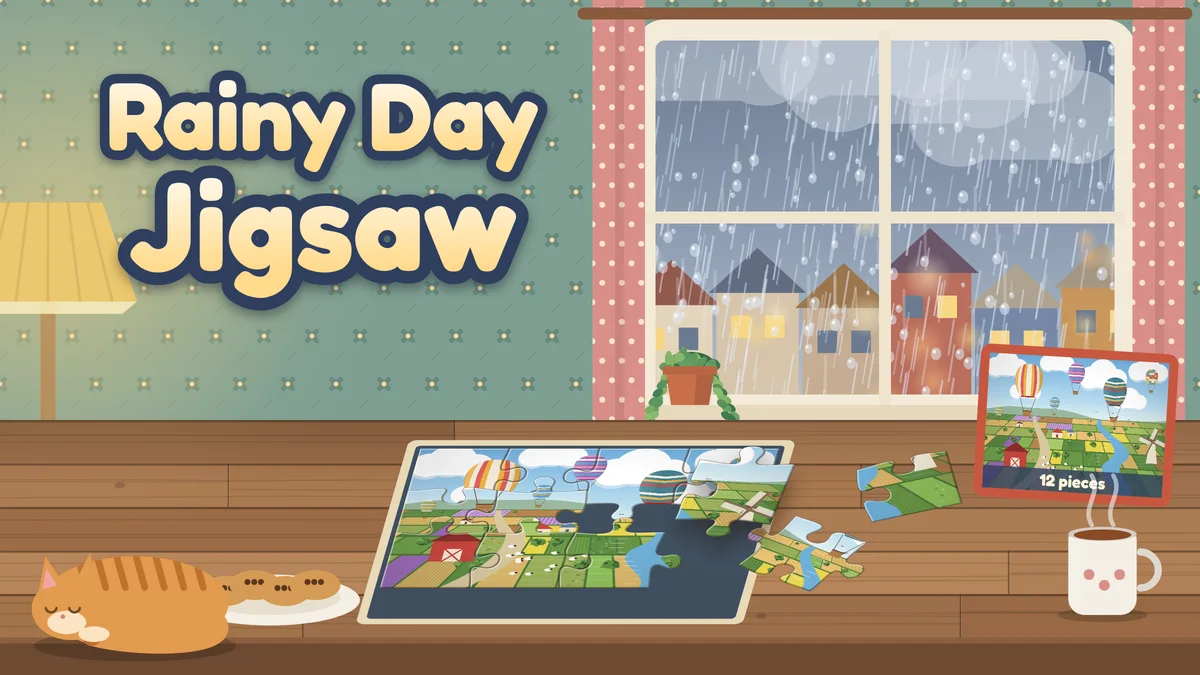
A calm jigsaw puzzle game for a rainy afternoon. Pick a picture from the puzzle shelf, choose how many pieces you want, and the picture is cut into classic jigsaw pieces with tabs and blanks, a new cut each time you start it from the shelf. The pieces wait in a tray beside the board. Drag one onto the board and it snaps into place when it lands close to its spot. The tray can show only the edge pieces, so you can build the border first, or only the middle pieces, and it can sort pieces by color. When you are stuck, peek at the whole picture, turn on a faint ghost of it on the board, show the piece outlines or ask for a hint. There is no score and no countdown: a quiet clock keeps your best time for each picture and size. The twelve pictures are original illustrations with plenty to look at: a sleeping cat by a rainy window, an autumn cabin, a lighthouse at dusk, a bakery counter, a farmers market, a snowy street, a potting shed, a bookshop corner, a lakeside dock at sunrise, a mushroom forest, a knitting basket by the fire and hot air balloons over the fields. Finish every picture at any size to complete your collection. Every puzzle you start saves on this device, so you can keep several going and come back to them later.
- Twelve original illustrated pictures, each full of small details, colors and textures to match up.
- Four sizes: 12, 24, 48 and 96 pieces, with a fresh cut of classic tab-and-blank pieces every time you start.
- An edges filter for building the border first, a middle filter for the rest, and a tray that can sort pieces by color.
- Help when you want it: peek at the picture, a faint ghost picture on the board, piece outlines and a hint that shows where a piece goes.
- A puzzle shelf with check marks and best times for every picture and size, and several puzzles saved at once.
How to play
- Press Choose a puzzle (or Continue), pick a picture from the shelf, then choose 12, 24, 48 or 96 pieces. On small screens, sizes whose pieces would be smaller than 40 pixels are turned off.
- Loose pieces wait in the tray. Drag a piece onto the board. When it lands close to its spot it snaps in and stays there; anywhere else it goes back to the tray.
- Pieces never need turning. Pieces with a straight side belong on the border: the Edges filter shows only those, and Middle shows the rest.
- You can also tap a piece to select it and then tap the spot on the board where it goes. If it belongs somewhere else, the game says so and it stays selected.
- Stuck? Hold Peek to see the whole picture, turn on the ghost picture or the outlines, or press Hint to see where one piece goes.
- Place every piece to finish the picture and record your time. Finish all twelve pictures, at any size, to complete your collection.
Controls
- Mouse: drag a piece from the tray to the board, or click a piece and then click its spot. The mouse wheel scrolls the tray.
- Touch: swipe along the tray to scroll it. To pick a piece up, drag it toward the board, or touch and hold it for a moment. You can also tap a piece and then tap its spot.
- Keyboard: Tab to the tray and use the arrow keys to choose a piece. Enter picks it up, the arrow keys move it one cell at a time, Enter places it (on the wrong cell it goes back to the tray) and Escape puts it back. G toggles the ghost picture, O the outlines, P peeks, H gives a hint and F changes the tray filter.
- The toolbar has pause, help, optional sound and fullscreen. Its restart button puts the current puzzle’s pieces back in the tray with the same cut; your best times and collection stay.
Tips worth knowing
- Build the border first: switch the tray to Edges, find the four corners (two straight sides each), then join the sides.
- Sort the tray by color and work on one area at a time, like the sky, a red roof or a patterned curtain.
- Look for features that cross between pieces: a window frame, a line of bunting, a path or the edge of a rug.
- The ghost picture shows where colors and shapes sit on the board without giving the pieces away. Peek shows the whole picture, then hides it again.
- Start with 12 or 24 pieces to learn a picture, then try it again with more pieces.
Accessibility
- Everything can be played with a keyboard: the arrow keys choose a piece and move it a cell at a time, Enter places it, and G, O, P, H and F reach the board tools.
- There is no countdown. The clock only records how long a puzzle took, and it stops while the game is paused or the tab is hidden.
- Pieces can be placed by dragging, or by tapping a piece and then its spot, so no precise drag is needed. A dropped piece snaps in when it lands within roughly a third of a piece of its spot.
- Reduced motion removes the lift and snap animations, the tray momentum and the finishing glow.
- Sound is optional and never needed to play.
Questions
Is Rainy Day Jigsaw free?
Yes. All twelve pictures and all four sizes are free to play in your browser, with no account, download or purchases.
How many pieces can a puzzle have?
Every picture comes in 12, 24, 48 and 96 pieces. On small screens the game turns off sizes whose pieces would be smaller than 40 pixels on the board, so on most phones you can choose 12, 24 or 48 pieces (12 or 24 on the narrowest), and tablets and computers offer all four.
Do I have to finish a puzzle in one go?
No. Every puzzle you start saves on this device, with the pieces you placed and the time so far, and you can keep puzzles of several pictures and sizes going at once. The clock only runs while the puzzle is on screen and the game is not paused.
Do the pieces need to be rotated?
No. Every piece is already the right way up, so you only need to find where it goes. Starting a picture from the shelf cuts it afresh, so a picture you have finished is a new puzzle next time; Play again on the finish card keeps the same cut in a new shuffle.
What does the restart button do?
It puts every piece of the puzzle on the board back into the tray, in a new shuffle, with the same picture and cut, and starts the clock again. It never touches your best times or your collection.