
CozyWorld game guide · By CozyWorld
This guide covers our own game, written from the current game rules and browser checks.
Orchard Catch: Move Early, Leave the Burrs Behind
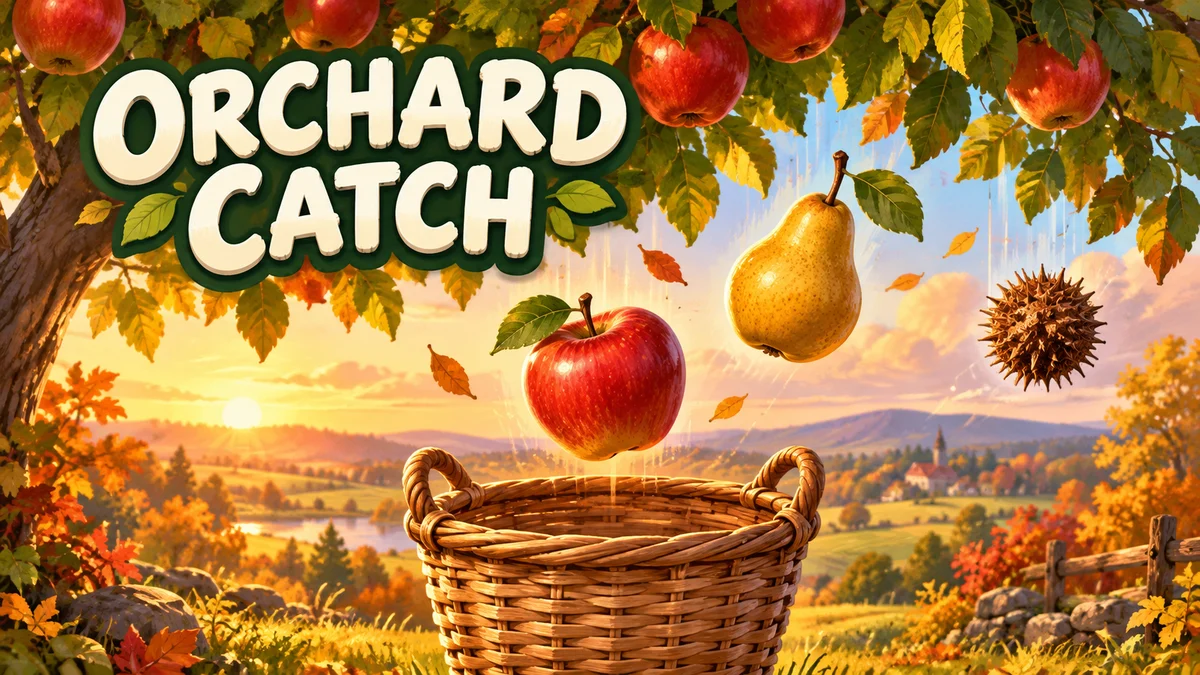
Move beneath the fruit before it reaches the basket. Golden pears add points, while a spiky burr is something to let fall past.
Orchard Catch is our quick basket-catching game. Gather 20 apples and golden pears before five spills. Your main decision is where to move next: underneath ripe fruit, or away from a spiky burr. A clean harvest takes about 35 seconds, with fruit falling a little faster as you go.
Move before the fruit reaches the rim
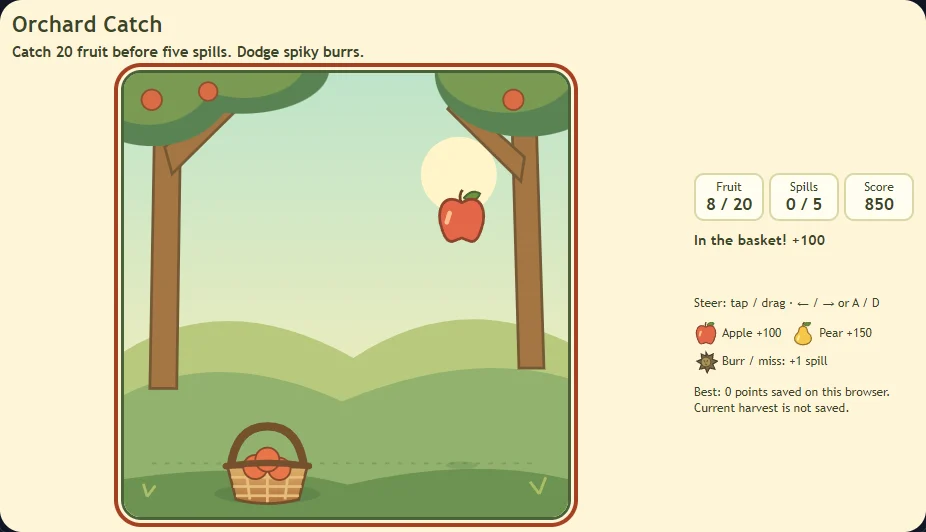
Press Start harvest on the orchard’s opening screen, then tap or drag across the orchard to steer. Your horizontal touch or click sets the basket’s destination. The basket moves smoothly toward that spot rather than teleporting, so choose the next fruit while it is still high on the board. You do not need to hold your finger down after a tap.
The basket stays along the bottom. The falling objects leave shadows on the ground, which show where they will reach it. Move beneath the next fruit, then stay there until the catch registers. Moving away as the fruit touches the handle can still leave it outside the basket when the game checks the catch.
With a keyboard, focus the orchard and hold Left or Right, or A and D. Space or Enter starts a fresh harvest when you are on the start or end screen. During play, those start keys do not reset the round.
Fruit fills the basket; burrs add spills
Red apples earn 100 points. Every fifth fruit in the sequence is a golden pear worth 150. Either kind adds one fruit toward the 20-fruit goal. A golden pear does not repair a spill or fill the basket faster than an apple.
A missed fruit adds one spill. Catching a spiky burr also adds one, but letting a burr fall past the basket is harmless. The burr has a pointed outline and a brown center, so use its shape as well as its color. Burrs fall beside some fruit, with enough room to catch the fruit without also collecting the burr. Moving under the burr instead can cost two spills at once: one for the burr and one for the missed fruit.
The first apple falls down the middle, giving you a moment to see a catch. Later fruit changes sides, and the fall gradually speeds up. Aim for the fruit’s shadow early instead of waiting until the object is close to the rim. There is no countdown to watch and no extra task to manage.
A score example and a clear finish
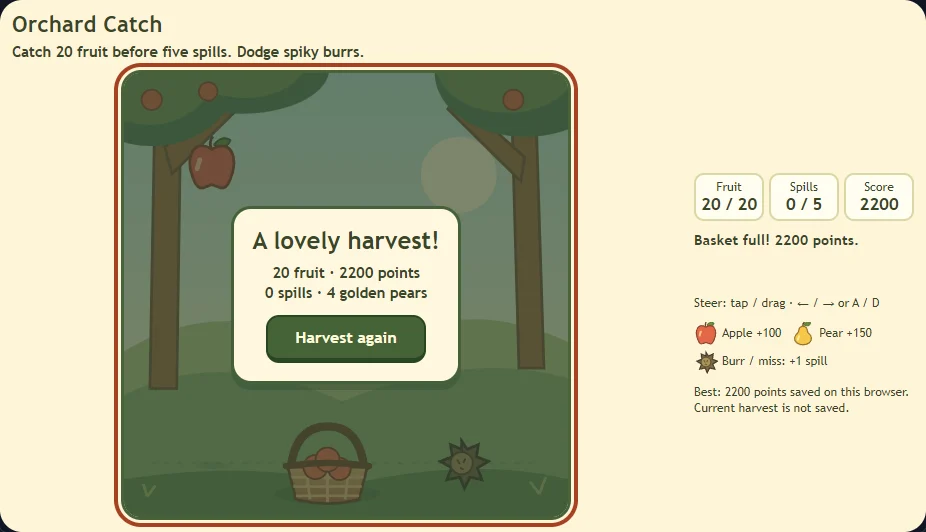
Catch the first five fruit without a spill and you earn 550 points: four apples at 100 each and one golden pear at 150. A perfect 20-fruit harvest earns 2,200, from 16 apples and four golden pears. These totals come from the shipped fruit sequence and were checked in the browser.
The harvest succeeds as soon as you catch 20 fruit. The fifth spill ends it unsuccessfully. A spill does not remove points you already earned, so a failed round still has a score. The final screen shows fruit, points, spills, and golden pears; Harvest again on the orchard’s result screen immediately starts a fresh basket. Toolbar restart returns to the start screen.
You can miss some fruit and still finish, but those misses use the same five-spill allowance as burr hits. Treat a risky golden pear as one fruit with a point bonus, rather than something worth taking an avoidable burr for.
Small screens, breaks, and saved scores
Touch works without hover, and dragging within the orchard does not scroll the page. Portrait gives the board more comfortable vertical space. Start harvest and Harvest again sit inside the orchard screen, so you can reach them without scrolling on the checked phone and tablet layouts. On a small landscape screen, the board fits, but you may still need to scroll to read the text beside it or the page below. Phone and tablet portrait and landscape layouts were checked using browser touch emulation, not physical iOS or Android devices.
Pause freezes both the fruit and basket. Opening help while paused keeps the harvest paused when you return. Optional sound, help, pause, restart, and fullscreen are in the toolbar. Reduced motion removes decorative transitions; falling fruit and basket movement remain essential to this visual reaction game.
Only your best score from a finished harvest is saved in this browser. Both successful and unsuccessful finished rounds can improve it. A lower score does not replace it. The current harvest is not saved, so reload or closing the tab starts over. Other games’ saves are left alone.
If browser storage is unavailable, the game says that scores cannot be saved. A local best does not sync between devices. Keep the tab open and pause if you want to return to the same harvest.
Fill another basket, or change the pace?
Try another harvest if you want to catch more golden pears or finish with fewer spills. Replay uses the same fruit sequence, so a remembered tricky move can become a comfortable catch. For lane changes and jumps, try Bunny Garden Run. For a smaller movement challenge built around when to tap, try Bubble Pop.